Audacity 3.7 Review: The Free Editor Finally Fixed the Interface, but the Effects Still Show Their Age
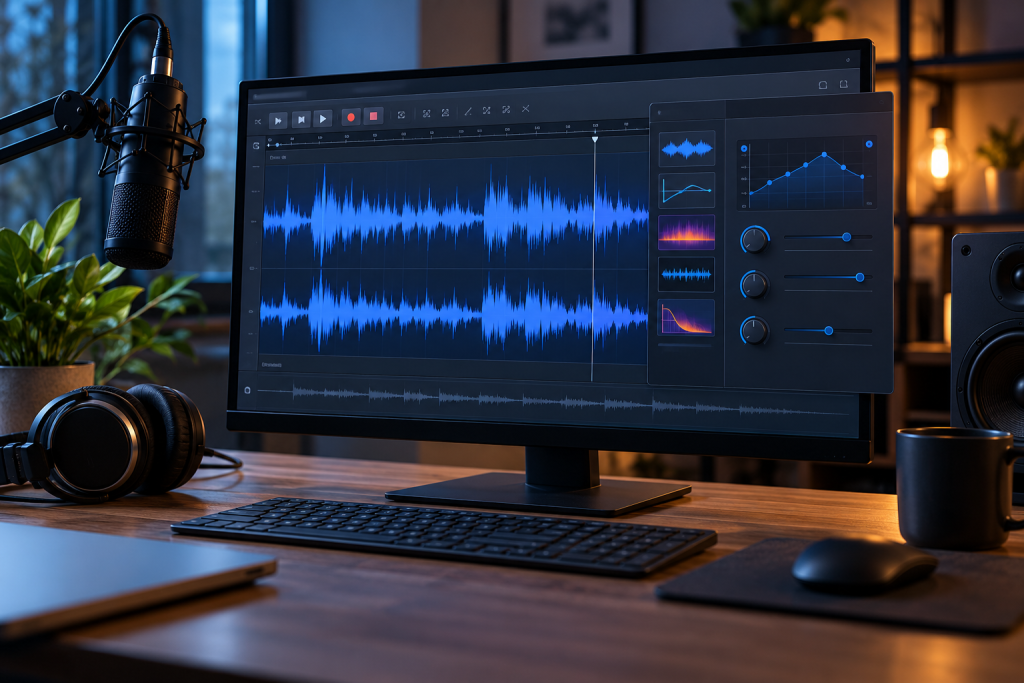
Audacity 3.7 landed with a promise that long-time users have been waiting years to hear: the interface got cleaned up. I installed it on a Windows 11 machine and a 2019 MacBook Air, spent a week cutting podcast audio, cleaning up a phone interview, and exporting MP3s, and here is what actually changed, what did not, and where the line sits between “good enough” and “I still reach for something else.”
Short version: if you have not touched Audacity since the 2.x era, this is the version to come back to. If you already know the program well, you will notice the polish but you will also hit the same old wall the moment you open the Effects menu.
What Audacity 3.7 actually is
Audacity is an open-source audio editor for Windows, Mac and Linux. You can record audio, cut and edit files, remove noise, boost volume, and apply effects (Clockify lists it as the go-to free replacement for Adobe Audition and Sound Forge, and that is fair). It handles multitrack editing, it is free under the GNU license, and it has been the default “I need to edit this audio file right now” tool for well over a decade.
What it is not: a full digital audio workstation. There is no real mixer, no MIDI instrument tracks worth using, no plugin ecosystem on the level of Reaper or a paid DAW. Audacity is a destructive-leaning editor first and a multitrack tool second. Keep that in your head and the review makes more sense.
One housekeeping note that still trips people up: to export MP3 you need the LAME encoder. On Windows you may have to grab the LAME DLL and point Audacity at it the first time. Every modern build I tested bundled it or found it automatically, but if your MP3 export option is greyed out, that is the reason.
The interface cleanup is real
This is the headline change and it holds up. The old Audacity looked like a 2007 Linux utility, toolbars stacked on toolbars, tiny icons with no labels, and a preferences dialog organized by someone who hated you. The 3.7 layout is quieter. Toolbars are fewer and configurable, the theme is darker by default, and menu groupings make more sense.
Three things I noticed in daily use:
- Transport controls (play, record, stop) sit where my hand expects them without me rearranging anything.
- The track header is clearer. Mute, solo and gain are readable at a glance instead of being faint grey glyphs.
- Preferences are still deep, but the top-level categories are less cryptic than they used to be.
None of this is flashy. It is the difference between an app that feels abandoned and one that feels maintained. On the MacBook Air, the whole editor opened in about a second and never pushed the fan. RAM use during a 40-minute multitrack session stayed modest, well under a gigabyte. On the Windows box it was the same story. For a program that does this much, the footprint is small, and that is a genuine selling point over something like a full DAW you would not otherwise open for a five-minute trim job.
The parts that have not aged well
Here is the honest part. The interface got younger. The effects did not.
Open the Effects menu and you are looking at the same collection of tools with the same names and largely the same behavior as a decade ago: Amplify, Change Pitch, Change Tempo, Compressor, Equalization, Noise Reduction, Normalize, and so on. They work. They are also blunt instruments.
Noise Reduction is the one people install Audacity for, and it is still the most divisive tool in the box. It can pull a hiss or a hum out of a recording, and I have done it successfully on a phone interview. But the default settings are aggressive and the classic trade-off remains: push it too hard and you get that underwater, metallic warble on the voice. You have to learn the tool by ear, preview a lot, and accept a certain amount of damage. A modern paid editor would do this with a cleaner result and less fiddling.
Compressor is similarly dated. It has no visual gain reduction meter worth the name, and dialing it in is guesswork compared to what Reaper or any current DAW gives you. The Equalization tool works but the graph is fiddly. These are not broken tools. They are tools that have been left alone while the rest of the app moved forward, and the contrast is now hard to miss.
Two other annoyances:
- Plugins are a mixed bag. VST support exists, but it is not as smooth as in a real DAW, and some plugins simply do not behave.
- Undo history is deep but the way edits stack can still surprise you if you are used to a non-destructive workflow.
How it compares to the paid alternatives
For simple jobs, Audacity wins on price and speed. Trim a recording, fade it, normalize it, export it. Nothing paid beats that at free.
For anything past that, the gap shows. If you are doing regular audio work, a real DAW is worth the money, and the honest recommendation is to stop asking Audacity to be one. It is not, and the effects menu is where that becomes obvious.
Against the free competition, Audacity still holds the crown for straightforward editing. There are lighter tools for quick cuts, and there are full free DAWs like Reaper’s uncrippled evaluation build if you want to grow into mixing. But for the person who just needs to cut a file and clean it up, Audacity remains the obvious first stop, and 3.7 makes that stop less painful.
Who should install it and who should look elsewhere
Install Audacity 3.7 if you record voice, clean up interviews, edit podcasts, trim music, or just need a free audio editor that runs on Windows, Mac and Linux without a license nag. If you have not tried it in years, the new interface alone justifies another look.
Skip it if your work depends on precise, clean processing. If you mix music, master tracks, or rely on noise reduction to rescue bad audio on a deadline, the effects will frustrate you and a paid editor or DAW will pay for itself in saved time. Skip it also if you want a polished plugin-driven workflow, because that is the one thing Audacity has never been and 3.7 does not change that.
The verdict is narrow but clear. Audacity 3.7 fixed the part that was embarrassing and left the part that was mediocre. For a free tool, that is a fair trade, and for most people reading this, it is more than enough.