Snagit vs ShareX: Capturing Screenshots and Short Clips Without Paying Monthly
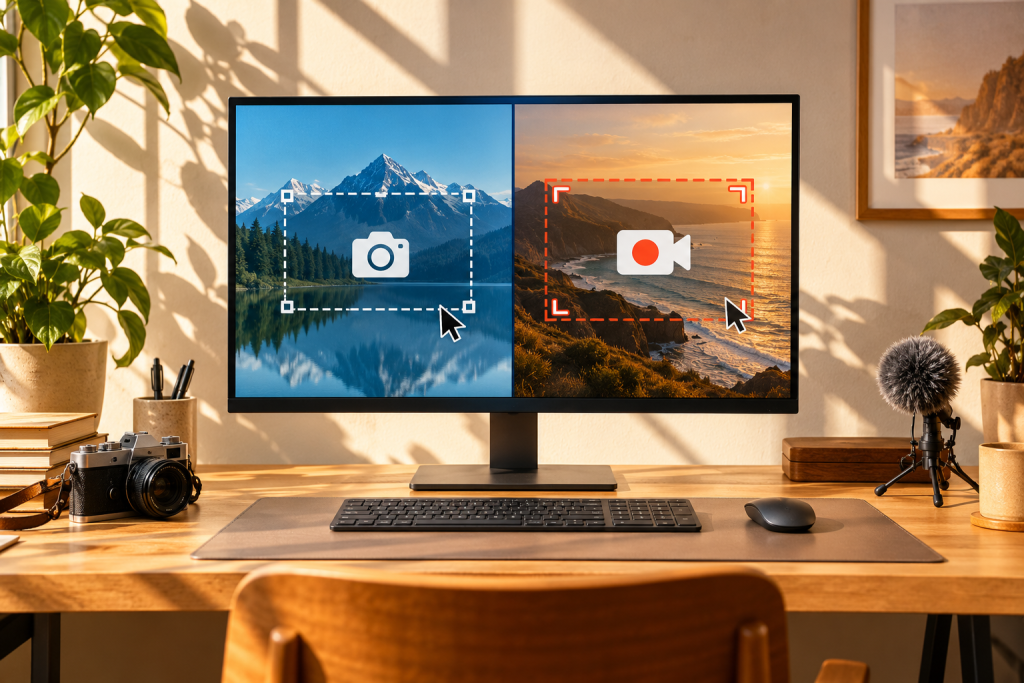
What does Snagit actually give you that a free capture tool doesn’t? That question has bugged me for years, because Snagit is one of those programs that sits in the “everyone pays for it, nobody’s sure why” category. ShareX does more, costs nothing, and runs on the same Windows machine. So I put both through two weeks of everyday use to see where the paid one still earns its keep.
The short answer: it depends entirely on what you do with the screenshots afterward. If you capture, annotate, and hand off images to other people, Snagit is calmer to use. If you want scripted automation and every output option imaginable, ShareX wins and it isn’t close.
What Snagit is, and what it costs you
Snagit is TechSmith’s commercial capture tool for Windows and Mac. It handles screenshots, scrolling captures, and short screen recordings, and its main draw is the built-in editor: arrows, callouts, blur, numbering, and a library that keeps every capture organized. The catch is the pricing model. Snagit is sold as a one-time license with an optional annual maintenance add-on, so it isn’t strictly a subscription in the way people assume, but the upgrade path keeps the meter running if you want current versions. There’s no meaningful free tier. You get a trial and then you pay.
What it does not do well: it isn’t a scripting tool. You can’t chain capture actions programmatically the way power users expect, and its video recorder is fine for a quick clip but not a serious screen recorder. If your brain works in automations, Snagit will feel locked down.
What ShareX is, and why the price tag is not the point
ShareX is free, open source, and Windows-only. That last part matters: there is no Mac build, so if you’re on an Apple machine this comparison collapses. On Windows, ShareX captures full screen, windows, regions, scrolling windows, and it can record screen to video or GIF. It also uploads directly to a long list of destinations, which is the part Snagit charges for and ShareX just does.
The real differentiator is the workflow engine. ShareX lets you build task chains: capture, crop, add a watermark, upload, copy the URL to clipboard, all in one hotkey. That’s powerful if you want it, and overwhelming if you don’t. The default install is a dense menu of options with a UI that looks like it was designed by someone who loves configuration more than aesthetics. Because it probably was.
One more thing people skip: ShareX doesn’t have a built-in annotator on the level of Snagit’s editor. It has an image editor, but the annotation experience is clunkier and less polished. If your workflow is “grab a screenshot, add three arrows, send to a colleague,” you’ll feel the difference immediately.
Where each one actually wins
The scrolling capture test
Both handle scrolling windows, which is the feature that matters most if you capture long web pages or error logs. ShareX’s scrolling capture is built into the capture menu and works without fuss. Snagit’s is also solid and slightly more forgiving on awkward pages. Call this a draw, with ShareX ahead on speed and Snagit ahead on reliability when the page is weird.
Annotation and editing
This is Snagit’s home turf. The editor is genuinely good: consistent styles, quick callouts, a library that keeps your marks reusable. If you produce documentation or training material, that polish saves real time. ShareX’s editor works, but the annotation tools are rough around the edges. You’ll do more clicking to get a clean result.
Automation and sharing
ShareX wins outright. The upload destinations, the task chains, the ability to fire a capture straight to a server or clipboard without opening an editor, all of it is more flexible than Snagit’s sharing features. Snagit’s sharing is friendly but opinionated: it pushes you toward TechSmith’s own services and a handful of integrations.
Short clips
Both record short screen video. Snagit’s recorder is easier to set up and produces cleaner default output. ShareX records to MP4 or GIF and gives you more format control, but the setup is fiddlier. For a quick “show me how this bug happens” clip, Snagit is faster. For a repeatable recording pipeline, ShareX is the one you’d automate.
Why this comparison changed in 2026
Free tools stopped being compromise tools a while ago, and that shift matters here. Reports through 2024 and 2025 showed a broad migration away from recurring software fees toward free and open-source replacements on Windows, and the open-source ecosystem responded with faster development and more capable apps. WindowsForum’s roundup of free Windows apps that replace paid software makes the same point: these tools now satisfy hobbyists, prosumers, and plenty of professionals.
ShareX has been riding that wave. It’s free, it’s actively developed, and it does more than the paid alternative in the area that matters to power users. The old argument that paid tools are simply more capable doesn’t hold up for capture software in 2026. The argument that paid tools are easier to use still holds, and that settles it.
My verdict, and who should pick which
If you capture screenshots occasionally, need clean annotations fast, and don’t want to learn a configuration system, Snagit is worth the license. The editor and library are the parts you’re paying for, and they’re good enough to notice.
If you capture a lot, share images to the web regularly, or want your capture workflow automated, install ShareX and don’t look back. The learning curve is a weekend at most, the output quality is fine once you’ve configured it, and the price is right. The one dealbreaker is Mac: ShareX has no build for it, so Apple users are stuck with Snagit or the built-in tools.
There’s a third path worth mentioning: run both. Use ShareX for the automated capture pipeline and keep Snagit for the editing jobs where its annotator earns its keep. That sounds like overkill until you’ve spent an afternoon fighting a free editor over a single arrow.
The subtext of this whole comparison is that the “paid versus free” line has blurred, and capture tools are one of the clearest examples. You’re not choosing between capable and crippled anymore. You’re choosing between friendly and flexible, and that’s a much better problem to have.